.redux-container-color_gradient {
.redux-gradient-preview {
height: 150px;
margin-top: 10px;
border-radius: 4px;
}
.colorGradient,
.redux-gradient-type {
display: inline-block;
margin-right: 20px;
strong {
display: table;
margin-bottom: 5px;
margin-left: 3px;
font-size: 12px;
color: #999;
}
}
.toLabel {
//padding-left: 18px;
}
}
@media screen and (max-width: 660px) {
.redux-container-color_gradient {
.colorGradient {
display: block;
text-align: center !important;
}
}
}
( function ( $, rwmb, i18n ) {
'use strict';
/**
* Extract the validation key from an input's name attribute. Usually it's the field ID, but sometimes (like for `file`), it's the field's input name.
*
* field[] => field // Fields with multiple values: file, checkbox list, etc.
* field[1] => field // Cloneable fields
* field[1][] => field // Cloneable fields with multiple values: file, checkbox list, etc.
*
* group[field][] => field // Group with fields with multiple values: file, checkbox list, etc.
* group[field][1] => field // Group with cloneable fields
* group[field][1][] => field // Group with cloneable fields with multiple values: file, checkbox list, etc.
*
* group[1][field][] => field // Cloneable group with fields with multiple values: file, checkbox list, etc.
* group[1][field][1] => field // Cloneable group with cloneable fields
* group[1][field][1][] => field // Cloneable group with cloneable fields with multiple values: file, checkbox list, etc.
*
* group[subgroup][field][] => field // Subgroup with fields with multiple values: file, checkbox list, etc.
* group[subgroup][field][1] => field // Subgroup with cloneable fields
* group[subgroup][field][1][] => field // Subgroup with cloneable fields with multiple values: file, checkbox list, etc.
*
* group[subgroup][1][field][] => field // Cloneable subgroup with fields with multiple values: file, checkbox list, etc.
* group[subgroup][1][field][1] => field // Cloneable subgroup with cloneable fields
* group[subgroup][1][field][1][] => field // Cloneable subgroup with cloneable fields with multiple values: file, checkbox list, etc.
*
* group[1][subgroup][field][] => field // Cloneable group with subgroup with fields with multiple values: file, checkbox list, etc.
* group[1][subgroup][field][1] => field // Cloneable group with subgroup with cloneable fields
* group[1][subgroup][field][1][] => field // Cloneable group with subgroup with cloneable fields with multiple values: file, checkbox list, etc.
*
* group[1][subgroup][1][field][] => field // Cloneable group with cloneable subgroup with fields with multiple values: file, checkbox list, etc.
* group[1][subgroup][1][field][1] => field // Cloneable group with cloneable subgroup with cloneable fields
* group[1][subgroup][1][field][1][] => field // Cloneable group with cloneable subgroup with cloneable fields with multiple values: file, checkbox list, etc.
*/
const getValidationKey = name => {
// Detect name parts in format of anything[] or anything[1].
let parts = name.match( /^(.+?)(?:\[\d+\]|(?:\[\]))?$/ );
if ( parts[ 1 ] && isNaN( parts[ 1 ] ) ) {
// Remove []
let words = name.match( /([\w-]+)|(\[\w+\])/g );
let resultArray = [ words.join( "" ) ];
// Remove characters "[" and "]".
words.forEach( matchedValue => {
if ( matchedValue.startsWith( "[" ) ) {
resultArray.push( matchedValue.substring( 1, matchedValue.length - 1 ) );
} else {
resultArray.push( matchedValue );
}
} );
parts[ 0 ] = resultArray[ 0 ];
parts[ 1 ] = isNaN( resultArray[ resultArray.length - 1 ] ) ? resultArray[ resultArray.length - 1 ] : resultArray[ resultArray.length - 2 ];
}
return parts.pop();
};
/**
* Fix validation not working for cloneable files or fields in groups.
*/
$.validator.staticRules = function ( element ) {
let rules = {},
validator = $.data( element.form, "validator" );
// No rules.
if ( validator.settings.rules === null || Object.keys( validator.settings.rules ).length === 0 ) {
return rules;
}
// Do not validate hidden fields.
if ( element.type === 'hidden' ) {
return rules;
}
let key = getValidationKey( element.name );
/**
* Cloneable files or files in groups.
* Input name is transformed into format `_file_{unique_id}`
* There is also a hidden input with name `_index_{field_id}` with value `_file_{unique_id}`
*
* In this case, `key` is always `_file_{unique_id}`
*
* Note that for cloneable files, validation rule is set for `_index_{field_id}`. For files in groups, validation rule is still `{field_id}`.
*/
if ( element.type === 'file' && ( $( element ).closest( '.rwmb-clone' ).length > 0 || $( element ).closest( '.rwmb-group-wrapper' ).length > 0 ) ) {
const $input = $( element ).closest( '.rwmb-input' );
const $indexInput = $input.find( '*[value="' + key + '"]' );
key = getValidationKey( $indexInput.attr( 'name' ) );
// Remove prefix `_index_` from input name when in groups.
if ( !validator.settings.rules[ key ] && key.includes( '_index_' ) ) {
key = key.slice( 7 );
}
if ( validator.settings.rules[ key ] ) {
// Set message for element.
validator.settings.messages[ element.name ] = validator.settings.messages[ key ];
// Set rule for element.
return $.validator.normalizeRule( validator.settings.rules[ key ] ) || {};
}
return rules;
}
// For normal fields and fields in groups: set rules by their field IDs (validation keys).
// Set message for element.
validator.settings.messages[ element.name ] = validator.settings.messages[ key ];
// Set rule for element.
return $.validator.normalizeRule( validator.settings.rules[ key ] ) || {};
};
/**
* Make jQuery Validation works with multiple inputs with same names.
* Need for file, image fields where users can upload multiple files with same input names.
*
* @link https://stackoverflow.com/q/931687/371240
*/
$.validator.prototype.checkForm = function () {
this.prepareForm();
for ( var i = 0, elements = ( this.currentElements = this.elements() ); elements[ i ]; i++ ) {
if ( this.findByName( elements[ i ].name ).length !== undefined && this.findByName( elements[ i ].name ).length > 1 ) {
for ( var cnt = 0; cnt < this.findByName( elements[ i ].name ).length; cnt++ ) {
const isTargetExists = this.validationTargetFor( this.clean( this.findByName( elements[ i ].name )[ cnt ] ) );
if ( typeof isTargetExists === 'undefined' ) {
continue;
}
this.check( this.findByName( elements[ i ].name )[ cnt ] );
}
} else {
this.check( elements[ i ] );
}
}
return this.valid();
};
class Validation {
constructor( selector ) {
this.selector = selector;
this.$form = $( selector );
if ( !this.$form.length ) {
return;
}
this.validationElements = this.$form.find( '.rwmb-validation' );
this.showAsterisks();
this.getSettings();
}
init() {
if ( !this.$form.length ) {
return;
}
this.$form
// Update underlying textarea before submit.
// Don't use submitHandler() because form can be submitted via Ajax on the front end.
.on( 'submit', function () {
if ( typeof tinyMCE !== 'undefined' ) {
tinyMCE.triggerSave();
}
} )
.validate( this.settings );
}
showAsterisks() {
this.validationElements.each( function () {
const data = $( this ).data( 'validation' );
$.each( data.rules, function ( k, v ) {
if ( !v[ 'required' ] ) {
return;
}
let $el = $( '[name="' + k + '"]' );
if ( !$el.length ) {
$el = $( '[name*="[' + k + ']"]' ); // Subfields in groups.
}
if ( !$el.length ) {
$el = $( '[name*="' + k + '"]' ); // contains field ID.
}
if ( $el.length ) {
$el.closest( '.rwmb-input' ).siblings( '.rwmb-label' ).find( 'label' ).append( '*' );
}
} );
} );
}
getSettings() {
this.settings = {
ignore: ':not(.rwmb-media,.rwmb-image_select,.rwmb-wysiwyg,.rwmb-color,.rwmb-map,.rwmb-osm,.rwmb-switch,[class|="rwmb"]), .rwmb-clone-template *',
errorPlacement: function ( error, element ) {
error.appendTo( element.closest( '.rwmb-input' ) );
},
errorClass: 'rwmb-error',
errorElement: 'p',
invalidHandler: this.invalidHandler.bind( this )
};
// Gather all validation rules.
var that = this;
this.validationElements.each( function () {
$.extend( true, that.settings, $( this ).data( 'validation' ) );
} );
}
invalidHandler() {
this.showMessage();
// Group field will automatically expand and show an error warning when collapsing
for ( var i = 0; i < this.$form.data( 'validator' ).errorList.length; i++ ) {
$( '#' + this.$form.data( 'validator' ).errorList[ i ].element.id ).closest( '.rwmb-group-collapsed' ).removeClass( 'rwmb-group-collapsed' );
}
// Custom event for showing error fields inside tabs/hidden divs. Use setTimeout() to run after error class is added to inputs.
var that = this;
setTimeout( function () {
that.$form.trigger( 'after_validate' );
}, 200 );
}
showMessage() {
// Re-enable the submit ( publish/update ) button and hide the ajax indicator
$( '#publish' ).removeClass( 'button-primary-disabled' );
$( '#ajax-loading' ).attr( 'style', '' );
$( '#rwmb-validation-message' ).remove();
this.$form.before( '
' + i18n.message + '
' );
}
};
let globalSavePosts = {};
class GutenbergValidation extends Validation {
init() {
const that = this;
const editor = wp.data.dispatch( 'core/editor' );
if ( !editor || !that.$form.length ) {
return false;
}
// Store the original savePost method.
// Only store the first time, because GutenbergValidation can be initialized multiple times.
if ( !globalSavePosts[ this.selector ] ) {
globalSavePosts[ this.selector ] = editor.savePost;
}
this.removeMessage();
this.$form.validate( this.settings );
// Change the editor method.
editor.savePost = function ( options = {} ) {
// Bypass the validation when previewing in Gutenberg.
if ( typeof options === 'object' && options.isPreview ) {
return globalSavePosts[ that.selector ]( options );
}
// Must call savePost() here instead of in submitHandler() because the form has inline onsubmit callback.
if ( that.$form.valid() ) {
that.removeMessage();
return globalSavePosts[ that.selector ]( options );
}
};
}
reset() {
const editor = wp.data.dispatch( 'core/editor' );
if ( editor && globalSavePosts[ this.selector ] ) {
editor.savePost = globalSavePosts[ this.selector ];
this.removeMessage();
}
}
showMessage() {
wp.data.dispatch( 'core/notices' ).createErrorNotice( i18n.message, {
id: `meta-box-validation-${ this.selector }`,
isDismissible: true
} );
}
removeMessage() {
wp.data.dispatch( 'core/notices' ).removeNotice( `meta-box-validation-${ this.selector }` );
}
};
class TaxonomyValidation extends Validation {
init() {
const submitButton = $( '#submit' );
this.$form.validate( {
...this.settings,
invalidHandler: null,
onkeyup: () => {
submitButton.prop( 'disabled', !this.$form.valid() );
}
} );
submitButton.prop( 'disabled', !this.$form.valid() );
$( '#tag-name' ).on( 'blur', () => {
submitButton.prop( 'disabled', !this.$form.valid() );
} );
}
}
let metaBoxInstances = {};
let blockInstance = null;
// Run on document ready.
function init() {
if ( rwmb.isGutenberg ) {
// In Gutenberg, when we switch to a block, `.mb_ready` is triggered, thus creating new instances of the validation.
// These are static meta boxes and should be initialized only once.
if ( Object.keys( metaBoxInstances ).length === 0 ) {
const locations = [ 'normal', 'side', 'advanced' ];
locations.forEach( location => {
metaBoxInstances[ location ] = new GutenbergValidation( `.metabox-location-${ location }` );
metaBoxInstances[ location ].init();
} );
}
// Because only one block can be edited at a time, this instance is always used for the current block.
// We need to remove previous validation (by resetting the savePost method), and create new instances.
if ( blockInstance ) {
blockInstance.reset();
}
blockInstance = new GutenbergValidation( '.mb-block-edit' );
blockInstance.init();
return;
}
// Edit post, edit term, edit user, front-end form.
const $forms = $( '#post, #edittag, #your-profile, .rwmb-form' );
$forms.each( function () {
const form = new Validation( this );
form.init();
} );
const $addTag = $( '#addtag' );
if ( $addTag.length ) {
new TaxonomyValidation( '#addtag' ).init();
$( '#submit' ).on( 'click', function () {
new TaxonomyValidation( '#addtag' ).init();
} );
}
};
rwmb.$document
.on( 'mb_ready', init );
} )( jQuery, rwmb, rwmbValidation );
Tradeshow Superheroes & Exhibiting Zombies | 66 Lists for Making the Most of Your Tradeshow Marketing
Select Page
Be a Superhero.
Don’t be a Zombie!
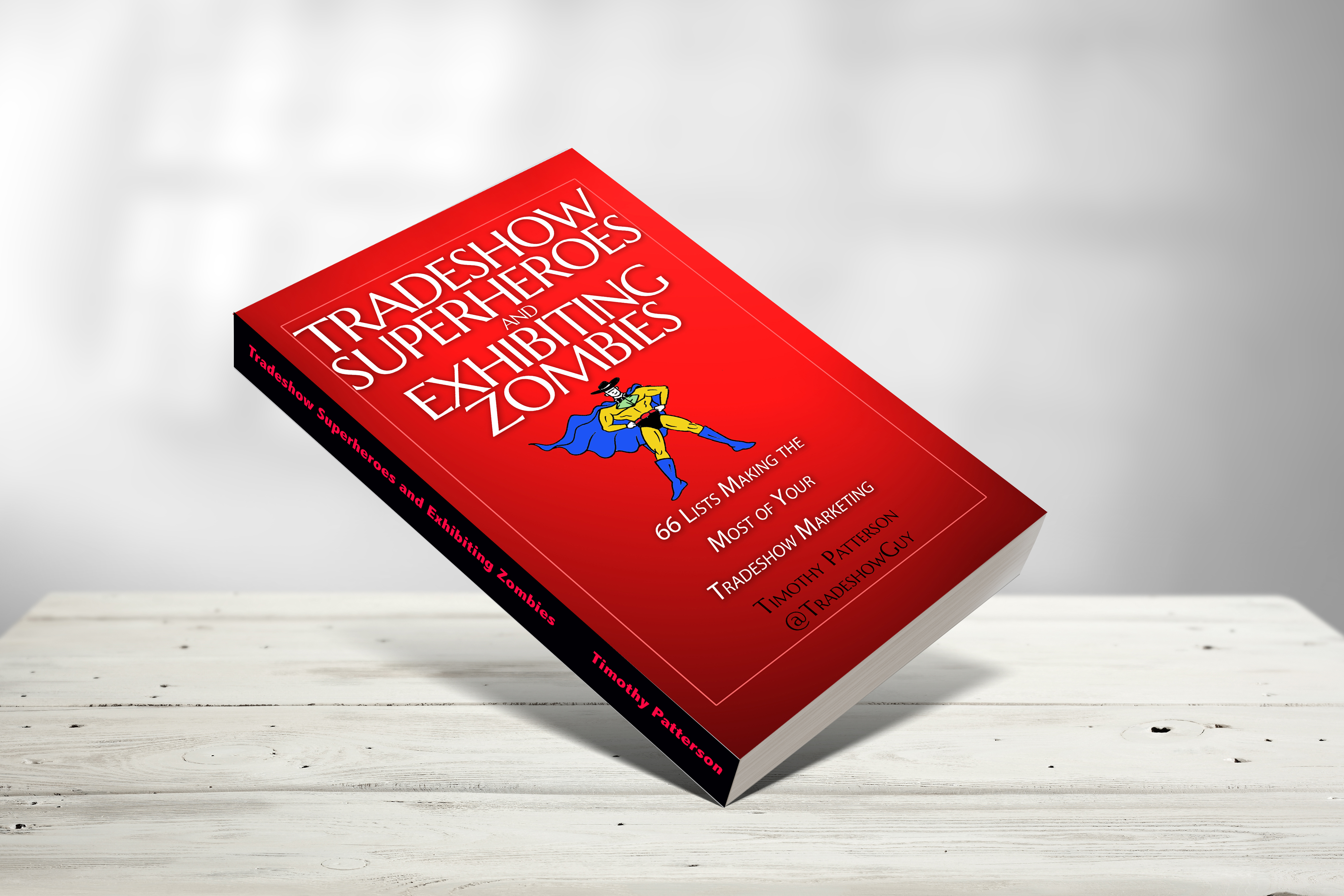
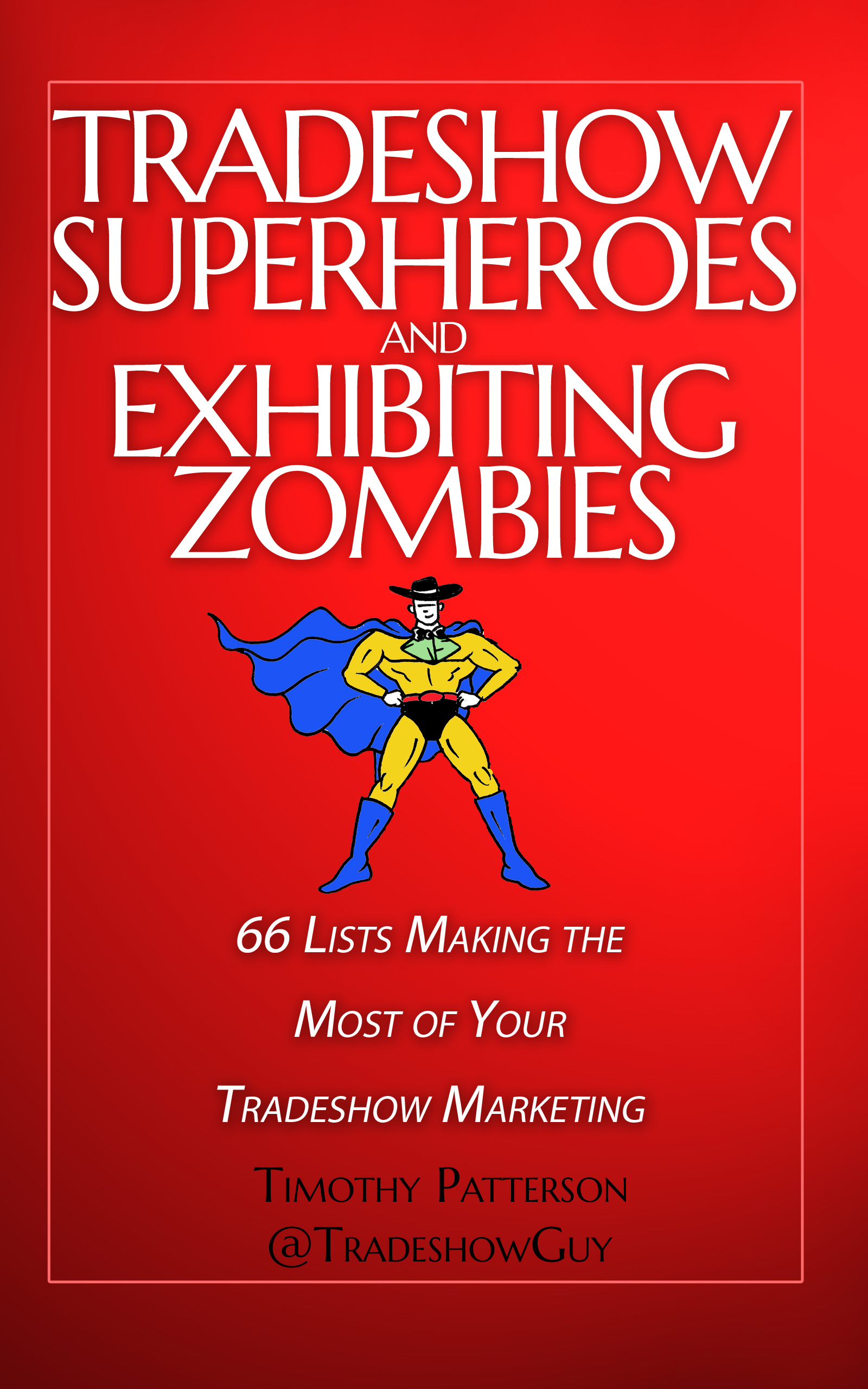
A brand new paperback book now available from TradeshowGuy Tim Patterson. Pick up the paperback or the Kindle version on Amazon now!
Since the beginning of time, humans have been working off of lists. I’m sure Og, the Caveman, had a mental list of what he needed to do on any given day:
1. Wake Up
2. Kill Dinner (don’t let dinner kill him)
3. Build Fire
4. Eat Dinner
5. Repeat
Or something like that. It’s true that we use lists as a way of organizing our business and personal lives.
66 Lists!
Since the beginning of the TradeshowGuy Blog in late 2008, TradeshowGuy Tim Patterson has been publishing lists. This book captures a whole lot of them in one easy-to-read digest. From Budgeting and Buying an Exhibit and PreShow Marketing Activities to activities During the Show, PostShow Follow-Up, Social Media along with some Fun Stuff. Not to mention the Whys and Hows of tradeshow marketing.
Choose a list. Read. Digest. Implement what you think will work for you.
Many books are made to be read from beginning to end. Even, I suppose, this one as well. And certainly, you can do it with Tradeshow Superheroes and Exhibiting Zombies if you wish. But you don’t have to. That’s the beauty: read any section that makes sense to what you’re dealing with.
“If you are going to refer to yourself as ‘The TradeshowGuy’ on Social Media, you damn well better be … that guy! Well, as someone who has produced trade shows for almost thirty years, I can state unequivocally that Tim Patterson IS. His knowledge of trade show strategy and logistics is unparalleled. And his generosity over the years in sharing his expertise has benefited this industry immensely. I am honored to have him as a business associate and to be able to call him a friend.”
“I have to admit, I love lists. But even though I’ve written several books on trade show marketing myself, I had NO idea there could be 66 helpful and fun lists like Timothy has compiled! This book is extremely helpful for anyone planning their next (or first) show, as well as an invaluable reference tool on your bookshelf. The only addition I would make is in the list on page 29, “35 Items to Have in Your Tradeshow Tool Kit.” I would add #36 – this book.”
“Tradeshow Superheroes and Exhibiting Zombies is a comprehensive collection of trade show wisdom. Even the most experienced trade show veteran will find hints, tips and tricks for saving money and improving your trade show results.”
“Nearly 60 years ago the Broadway play and movie “How to Succeed in Business Without Really Trying” depicted the rise -and rise and rise- of a humble window washer to chairman of the board of the World Wide Wicket company through the strategic use of a secret guide from which the show took its name. What wonderful fantasy: a book that could allow you to swerve around college degrees and internships like a mildly annoying pothole to reach the highest rung of the business ladder. If only such a resource existed …
“Well, it does. In 130 information-packed pages, Tim Patterson’s comprehensive guide covers everything you need to know to succeed in tradeshows faster than you can say “listicles” or “bullet points.” There’s the expected content -“8 Ways to Justify the Cost of a New Exhibit,” “8 ways to Determine Your ROO and ROI,” “13 Most Common Tradeshow Mistakes” – but there’s also the very unexpected (and very welcome) info, too – including “7 Ways Your Tradeshow Staff Can Sabotage a Deal,” “Your Tradeshow Visitors Wants These 6 Things from You,” and “9 Things to Measure on the Tradeshow Floor,” to name just a very few.
“We shape our tools, and thereafter our tools shape us,” Marshall McLuhan said. With this tool, you can shape your tradeshow effort to reach superhero status.*
“*Cape not required.”
Charles Pappas
Senior writer at Exhibitor, author of Flying Cars, Zombie Dogs, and Robot Overlords, and It's a Bitter Little World.,Exhibitor Magazine